lunes, 16 de julio de 2012

A couple of extra tools

Last month we had the chance to enrol on a course on ICT in the classroom called "TIC y Lenguas Extranjeras - Relaciones de Colaboración y Autoría". It was carried out by the teachers Flavia Bonadeo, Viviana Basano and our ECO2 teacher Letizia Russo.
We shared these meetings with people from Profesorado de Francés. We did this in the computer lab, though one of the lessons was held at Centro de Idiomas. We had to go there in order to be able to learn how to use the interactive board.

We were able to communicate with each other through the Edmodo platform, just as we do it in Eco. We have learned how to create new posts, upload links, etc. It was no news for me thanks to Eco, but then I (together with my classmates) could experience working with some new software.

One of the lessons was about ExeLearning and Foxit Reader. Both of them are software that are included in the netbooks from Conectar Igualdad (yes, those netbooks that maybe we will never get to see!).
ExeLearning is somehow similar to a web page. It is an open code edition software for web pages without having to be an expert in HTML code. It has very attractive options for you to design tasks and exercises. You can even insert videos and images.
Foxit Reader, also taught in Eco2, is the alternative PDF editor to Acrobat Reader.

Another lesson was devoted to the Mimio software for the interactive board. Viviana showed us all the features that this tool includes and we followed her with our notebooks.

Finally, on the last lesson, we had to present (in groups) a didactic sequence that would include at least two of the ICT tools that we saw in class.
We planned a lesson that involved the using of three of them: Mimio, ExeLearning and Edmodo.

First, we used Mimio and the interactive board for presenting "the possessive 's".


Then we went to ExeLearning for a "filling in the blanks" exercise in order for the students to revise the family members.


After that, we went back to the interactive board with the idea of creating the Simpsons family tree. In order to do that, we first have to show the students the complete family tree with the character's names and then we ask them to build it themselves, giving them guiding questions.


The final task: homework. We used Edmodo to create a quiz where they are supposed to complete sentences that include the relationships between the members of the Simpsons family. Once they have completed them, the answers would be automatically sent to our email address (and even the correction can be automatic!).

I personally believe that this course was very enriching and our teachers were great at showing us how to take advantage of these tools. Maybe we won't find easily many schools that have the infrastructure to use the software, but just in case we did, we will be perfectly prepared.

martes, 3 de julio de 2012

A break

I want to share a joke I've read (well, not exactly a joke) that reminded me of that topic about digital immigrants and digital natives.
Hope you like it.

__________________________________________________

Un presumido estudiante que se encontraba asistiendo a un partido de fútbol se tomó la molestia de explicarle a un señor mayor, sentado cerca suyo, porqué le es imposible a la vieja generación comprender a su generación.
"Usted creció en un mundo diferente, realmente casi uno primitivo", dijo en voz lo suficientemente alta para que lo escucharan alrededor. "Los jóvenes de hoy crecimos con televisión, internet, aviones jet, viajes al espacio, el hombre caminando en la luna. Nuestras sondas espaciales han visitado Marte. Tenemos naves con energía nuclear y carros eléctricos y de hidrógeno. Computadoras con procesos de velocidad de la luz.. y más"
Luego de un breve silencio el señor mayor respondió lo que sigue:
"Tienes razón, hijo mío. Nosotros no tuvimos esas cosas cuando éramos jóvenes..... así que las inventamos. Ahora, dime, ¿qué estás haciendo TÚ para la próxima generación?"
¡El aplauso fue atronador!

__________________________________________________

Presentations... ✓

Practical Work Nº2 is over now but it gave us a lot of things to have in mind as regards presentations.
We all had to share our work to our mates, and we had the opportunity to learn a lot more about what you can do with Powerpoint and Prezi. This is the good thing about collaborative work: everybody learns from everybody. Plus, we had so much fun!
I attach here the links for you to be able to download the lesson we designed and the two presentations that you need for its development.

The lesson: http://bit.ly/lessoneco2
The Prezi presentation: http://bit.ly/preziweekend
The Powerpoint presentation: http://bit.ly/powerpointweekend

We had to prepare the lesson based on the topic "a typical weekend", which is what everybody is impatiently waiting for. And it's only Tuesday!


Luckily, we did it alright and our teacher Letizia gave us a very positive feedback on our work. Here you have the notes that she took down:

- You took into account the topic you were supposed to deal with in your lesson,
- you made great use of images,
- you used attractive templates,
- you downloaded, adapted and customized games,
- you even designed your own games,
- you recorded your own material and integrated it into the presentation,
- you used humour and music,
- you used animation and gifs,
- you combined technology with more traditional material,
- you created texts: dialogues, diaries and short stories,
- you contextualised the material to the experiences and realities of the secondary school learners,
- you designed tasks that promoted interaction among learners,
- etc., etc., etc...

So, let's keep on working! (I insist... waiting for the weekend!).

miércoles, 27 de junio de 2012

GoogleDoctors

As I said in one of the entries of the blog (May 9th, to be more precise), I will tell you about my experience with GoogleDocs. 
Having worked with it for the last few weeks, one may wonder if the "Docs" are actually Doctors... because not having to deal with long e-mails, private messages on Facebook, etc. is so good for our health!


I am using it now not only in Eco2, obviously, but also in Eco1, Dicción, Taller3, Language and Literature. Do you think it is useful? I KNOW it is, especially for group work. We don't have to see our pretty faces (though, from time to time, I miss you a little) and editing the text in a collaborative way is almost as if we are together in the same room.

I already shared some documents with friends. Nothing to do with Profesorado! So you can use it in many different ways, for many different reasons and with many different people. Just like the "Docs".

So... GoogleDocs: so far, one of the best, new online experiences of the year.

martes, 12 de junio de 2012

Practical Work using Presentations

It's time for a new practical work (unfortunately?). This time we will be dealing with presentations such as Power Point and Prezi. These presentations will have to be part of a lesson plan.

It's going to be in groups of two or three people. I didn't like much the random organisation of the groups. Of course, that's only natural, we are taken outside our comfort zone, which is working with people you really know. (Agos, don't take it personal! I'm sure we'll do it alright!). ;)

As regards the presentations, I have had some experience working with Power Point. When we were taking Literature 2, we had to present a topic to the class. The group in which I took part was in charge of "Alice In Wonderland" and Lewis Carroll's life.


We used this presentation (I attach here only an image to give you an idea) to highlight some important parts of our speech, also to show photos and pictures and to show music videos inspired by Alice, as well as fragments of films.
About the design, it was a background image downloaded from Google Images and we put the main characters of Disney's film as animated GIFs.

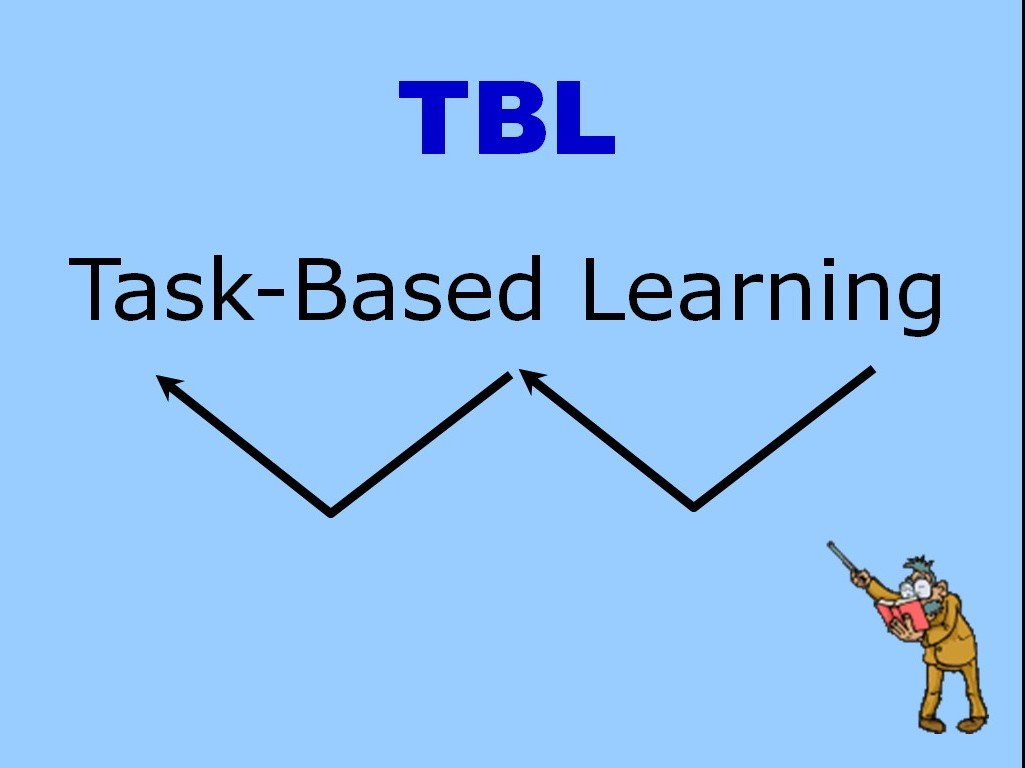
When we were taking Didactics 1, there was another instance of group presentations. This time, our group was in charge of two topics: Content Based Learning and Task Based Learning.


This time the presentation was much simpler than the one for Alice, because it was a short speech. Besides, those topics are not so artistic and that gives you little freedom to create something more eye-catching. What we used is simply a background colour and the only animation (besides the occasionally appearing arrows) was an animated GIF of a teacher that constantly moved his pointer to attract your attention.

The third presentation in which I was involved was a speech about Democracy and Argentinian History between 1983 and 1999. We had to present this topic, again in groups, for EDI, in the third course.


In this case, the presentation had a background image (again from Google Images) and we used it only to show images and fragments of documentary films. Most of them downloaded from YouTube. The idea was to talk about some topics related to those years (in English!, of course) and, from time to time, to play the videos, in Spanish, just to make sure the audience have perfectly understood it.

Now, a new way of using presentations is approaching (at least for me!). So, we'll see what happens! (Right, Agos?).

martes, 5 de junio de 2012

A blog list

In this short entry I would like to share a tool for all of us who are attending ECO 2 and have created our blogs. One way of keeping track of what our mates are doing is Google Reader, but Blogger has also something similar.

In order to follow your favourite blogs (in this case, all of them) we should go to the design section of Blogger, and add a gadget. One of the gadgets available is "Blog list". Through this option, you can add the addresses of all the other blogs or even import them from Google Reader.

Te result: you will have your mates' blogs listed in order of publication (if you want it that way!). Everytime one of them submites an entry, it will be placed at the top of the list.

Cool, right?

You can see it right here, on the right bottom of this blog (please, let me know if I missed someone's blog!).

lunes, 4 de junio de 2012

Google Reader: how to keep track of your favourite blogs

Another wonderful tool that our teacher Letizia has introduced to us is Google Reader. It is useful not only for academic purposes but also for anyone that follows blogs or web pages that are updated constantly.

The great thing about it is that you won't spend time surfing the internet, looking for the blogs you daily visit to see if they have been updated. Instead, you will access to just one site (Google Reader) and there you will have, in chronological order, all the entries of your favourite blogs that have been published lately.

Almost everybody is acquainted nowadays with Facebook and the way it works. Well, Google Reader reminds me of the Facebook home, where you see a timeline in which the new stories are put at the top of the list. This is exactly how Google Reader works.

I'm posting here a video about this matter


Personally, I think the design of the site is not so great. It's not that appealing. But anyway, it is a very useful tool and I find it highly profitable, specially when it comes to time saving and organization.